
DVLA Lookup Tool
Add your vehicle details with one click. Our platform is linked directly with the DVLA database and provides the following data about your vehicle.
- Vehicle Type
- Vehicle image
- MOT status
- Road Tax Status
Using the DVLA Look Up Tool
Once a device has been activated, click on the device settings page and scroll down to ‘Optional’
Here you will see a box where you can enter the Vehicle Registration Number (VRN).
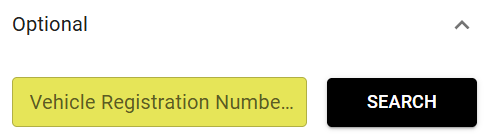
Enter your VRN and click the SEARCH button. If your vehicle details are found on the database, a pop up will appear.
Click the CONFIRM DETAILS button to populate the data into the fields below the button.
If your vehicle details were not found, or incorrect, just click the ‘Incorrect details’ link and enter them manually into the boxes below.
You can also enter other details such as Insurance renewal and Maintenance due dates.
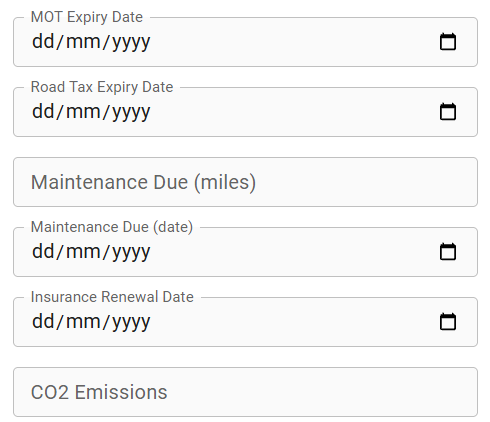
Click the ‘SAVE‘ button to save your data..